
Orca
Productivity & Office · v1.4.261
Orca is a desktop app that lets you run multiple AI coding agents, switch between chat and terminal interfaces, and coordinate their work across local and remote machines.
Open sourceWin 11Win 10

Codecast is a desktop workspace that lets teams collaborate with AI coding agents, combining chat, calls, tasks, documents and version control in one interface.
 Win 11
 Win 10
Version 1.1.234 · 64-bit · Installer · official file from github.com
Codecast provides a single place where you can talk to AI coding assistants, manage tasks, view documents, handle pull requests and make decisions. It watches the history files of the agents you run and syncs their conversations in real time, so you can stay organized and keep a searchable record of every action.
The program runs a background daemon that monitors the output of AI agents on your computer or cloud host. All sessions appear in an Inbox that groups them by who needs input next, letting you focus on the most urgent items. You can pin, label, stash or kill sessions, and every message is linked back to the exact code change that caused it. Features include real‑time chat channels, transcribed calls, task tracking, document editing with version links, pull‑request integration, decision queues, automation workflows, and pages for reports or mockups. Privacy is built‑in: conversations are private by default and secrets are redacted before they are synced.
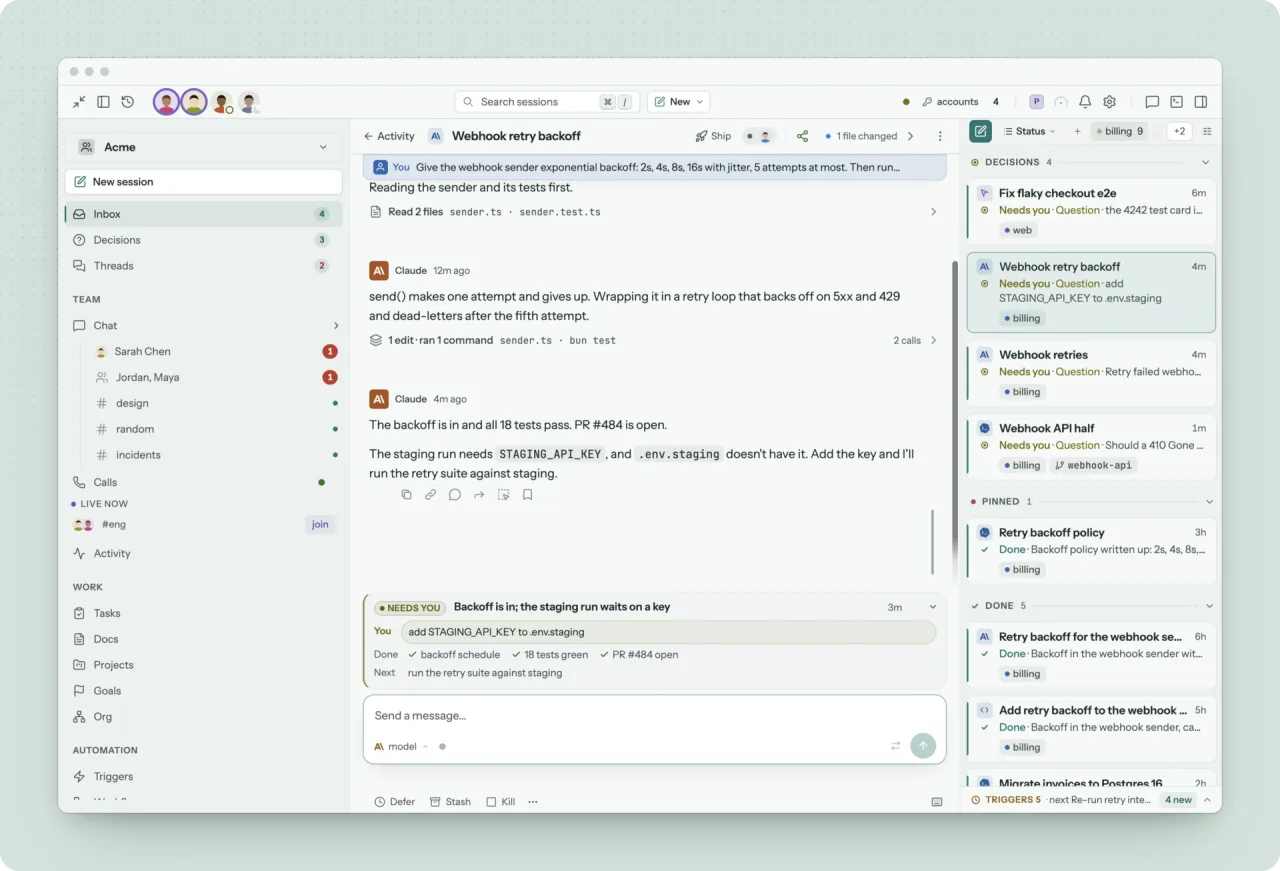
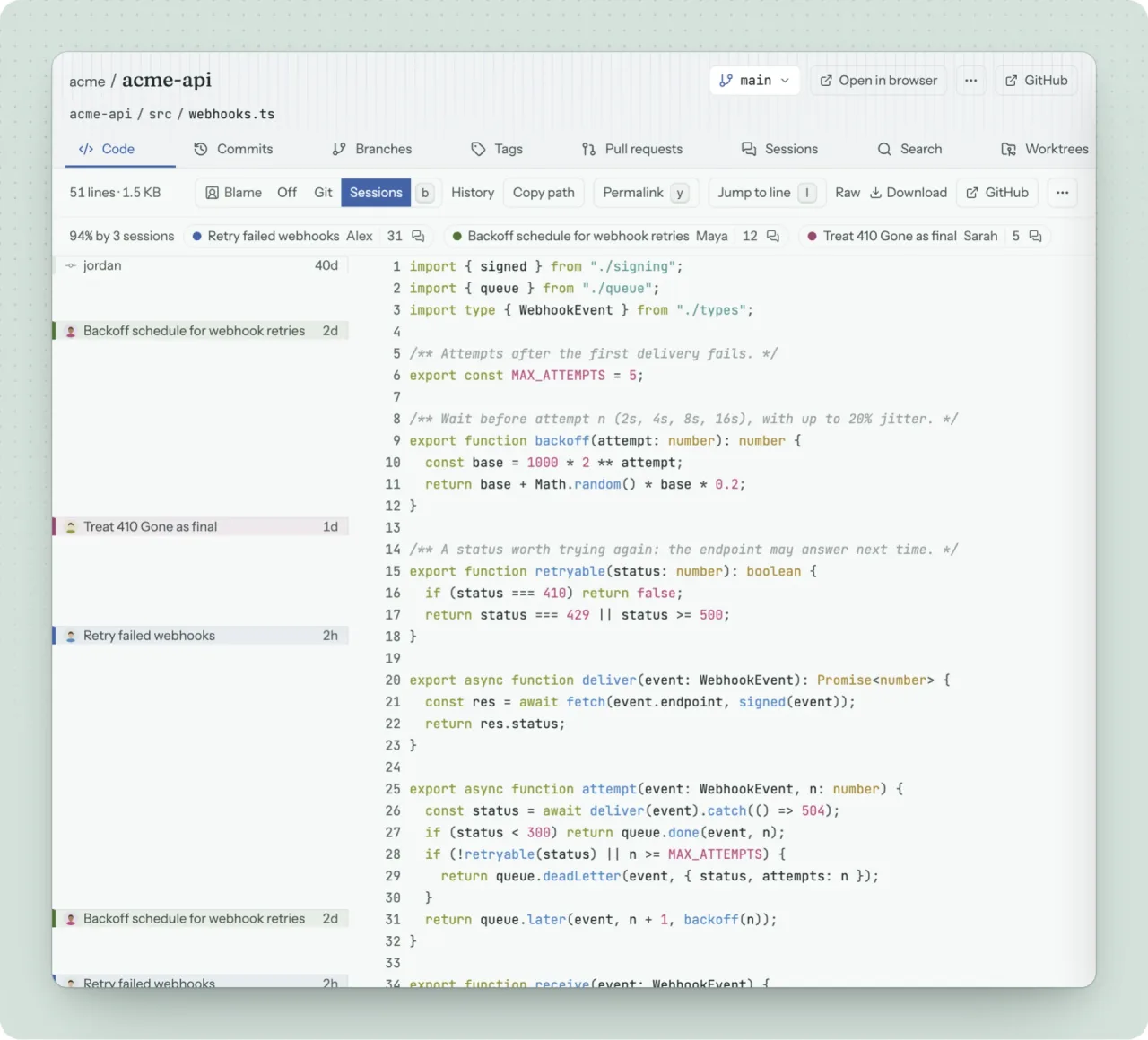
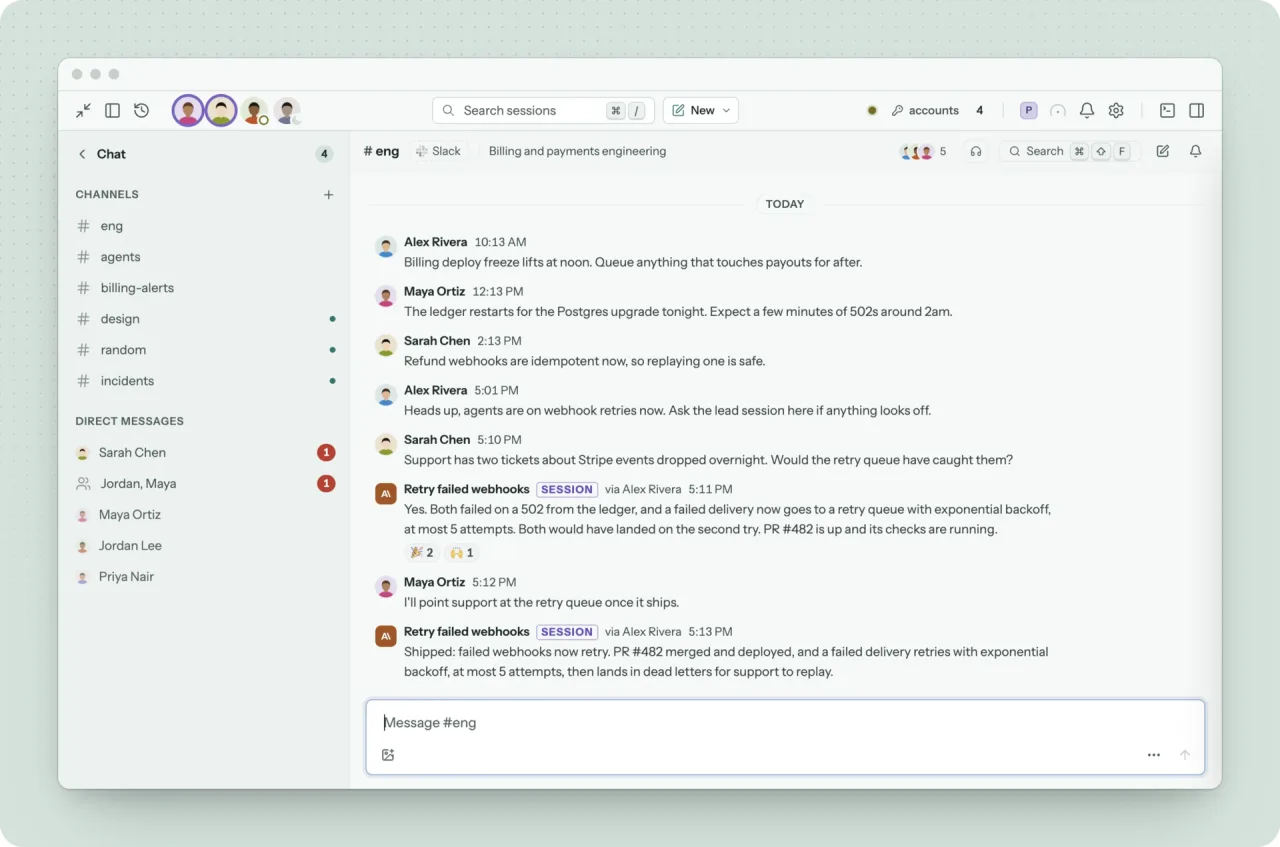
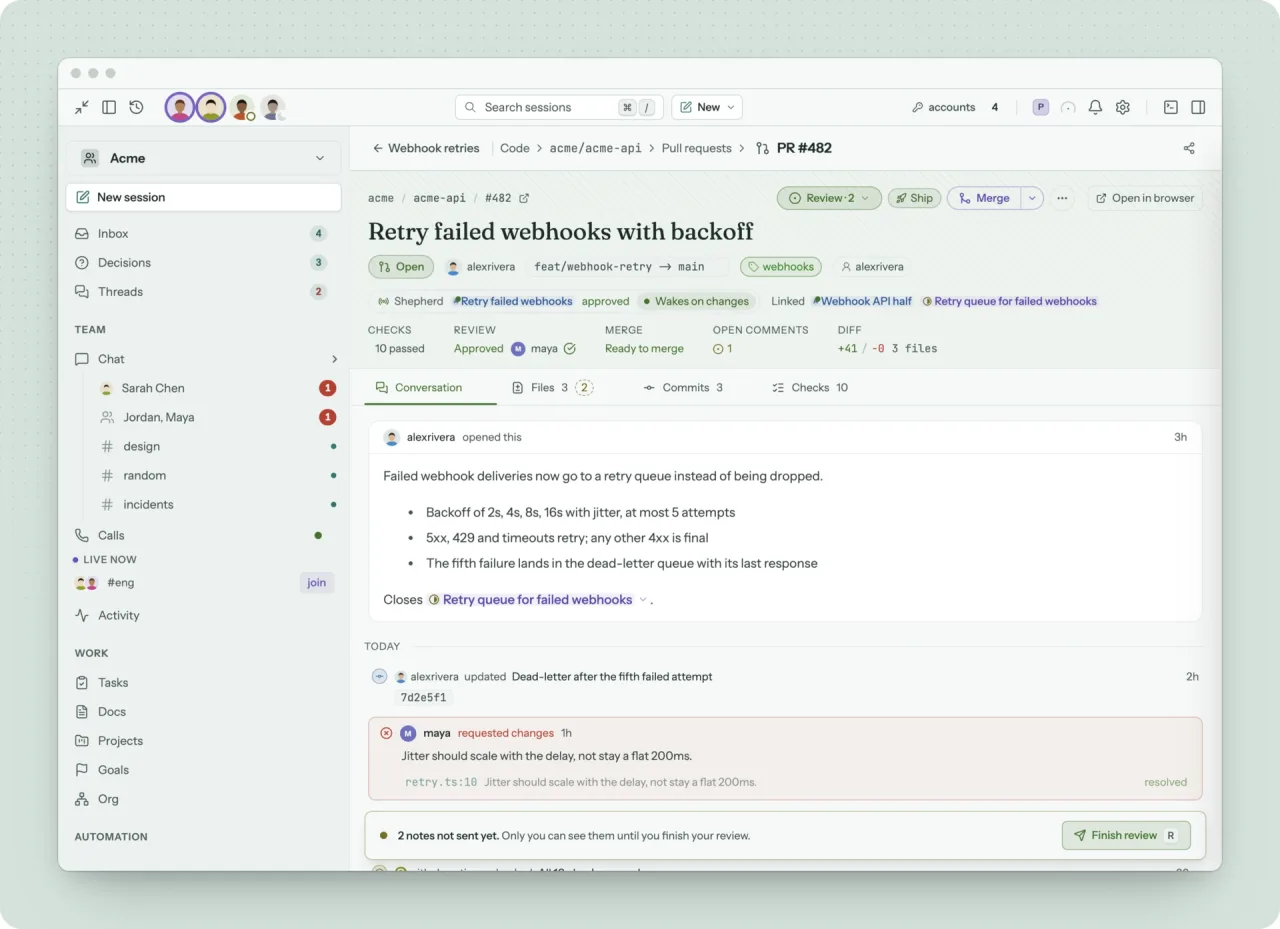
Screenshots from the official Codecast project. Click an image to enlarge it.
All files come directly from the official Codecast project on github.com. Codehimblog does not host or change them. Most PCs need the 64-bit installer.
| File | Size |
|---|---|
| Program file (EXE) · 64-bitcodecast-windows-x64.exe | 130.9 MB |
Only needed if the latest version does not work for you. Older versions may miss security fixes.
| Version | Released | Windows download |
|---|---|---|
| 1.1.233 | 16 November 2026 | Download (130.9 MB) |
| 1.1.232 | 15 November 2026 | Download (130.9 MB) |
| 1.1.231 | 15 November 2026 | Download (130.8 MB) |
| 1.1.230 | 15 November 2026 | Download (130.8 MB) |
| 1.1.229 | 14 November 2026 | Download (130.2 MB) |
| 1.1.228 | 14 November 2026 | Download (130.2 MB) |
| 1.1.227 | 14 November 2026 | Download (130.2 MB) |
| 1.1.226 | 13 November 2026 | Download (130.2 MB) |
| Windows | Status |
|---|---|
| Windows 11 | Supported |
| Windows 10 | Supported |
Yes, it is open source and free to use.
The program is released under the MIT license and does not require any external services to run.
Updates are provided through new releases on the project's download page.
Use the standard Windows Add or Remove Programs feature.
It works offline for local agents, but syncing and some features require internet access.
Free and open source (MIT). You can use it for free at home and at work.
More Productivity & Office software and similar free programs for Windows.
Productivity & Office · v1.4.261
Orca is a desktop app that lets you run multiple AI coding agents, switch between chat and terminal interfaces, and coordinate their work across local and remote machines.

Productivity & Office · v1.179.0
Full-stack AI agent for coding, files, terminals, tools, research, content, multimodal work, and multi-agent workflows.
Productivity & Office · v4.4.5
Noobot is a self‑hosted AI agent workspace that lets you run chat‑based workflows, use built‑in tools, and create 3D character animations from plain language prompts.

Productivity & Office · v3.3.8
YouBoard is a local clipboard history manager that records text, images, files and URLs, stores them encrypted on the computer, and offers AI processing, desktop widget, phone transfer and optional cloud sync.

Productivity & Office · v0.5.3
A fast and secure email client that offers unified inbox, kanban board and chat views.

Productivity & Office · v0.57.29
Spacewave is a self‑hosted, browser‑based workspace that runs locally without any server, offering encrypted peer‑to‑peer sync and collaborative spaces for files, notes, apps and more.

Productivity & Office · v0.2.6
A free, open‑source desktop study app that turns your lecture notes, slides, PDFs or exam files into AI‑generated lessons, quizzes, flashcards and mock exams.
Productivity & Office · v1.1.4
ScriptReader converts scanned handwritten JPEG images into formatted RTF documents and removes handwritten typos automatically.

Productivity & Office · v0.1.2
OpenECraft is an open‑source electrical computer‑aided engineering editor that lets you create schematics, generate reports and design panel layouts in 3D.

Productivity & Office
Local speech‑to‑text and translation tool for Windows that lets you dictate, transcribe audio files and process the resulting text.

Productivity & Office · v2.5.1
OrcaSlicer is an open‑source slicer that converts 3D models into printer‑ready G‑code for many desktop and belt 3D printers.

Productivity & Office · v0.20.1
Privacy‑focused open‑source AI voice typing for Windows.