
PYAS Security
Security & Privacy · v3.7.3
A hybrid Windows endpoint security program that combines machine‑learning scanning, YARA rules, cloud analysis and a kernel‑level driver to protect against malware and unwanted behavior.
FreeWin 11Win 10

A free, open‑source application firewall for Windows that blocks programs from accessing the internet until you allow them.
 Win 11
 Win 10
Version 0.99.234.2 · Installer · official file from github.com
GunWall monitors outgoing network connections and lets you decide which applications are allowed to connect. When a program tries to reach the internet for the first time, GunWall shows a prompt with details about the program and its destination, letting you create a rule to allow or block it. The tool also provides live connection views, data usage statistics, and optional DNS filtering.
GunWall works with the Windows Filtering Platform, the same kernel layer used by Windows Firewall, so it does not require a separate proxy or driver. A background service runs from boot, while the main window can be opened without administrator rights. The program keeps its own set of rules and does not modify the built‑in Windows Firewall rules. You can create per‑application rules, custom address/port rules, block traffic by country or network operator, and use rule profiles for different locations. Visibility features include live connection lists, per‑application data usage, a world map of destinations, and a packet log explaining each decision. An integrated network scanner identifies devices on your local network, and an optional local DNS resolver with DNS‑over‑HTTPS can block trackers and ads using customizable blocklists. All changes that reduce protection require administrator approval, and turning GunWall off or uninstalling it restores the default Windows network behavior.
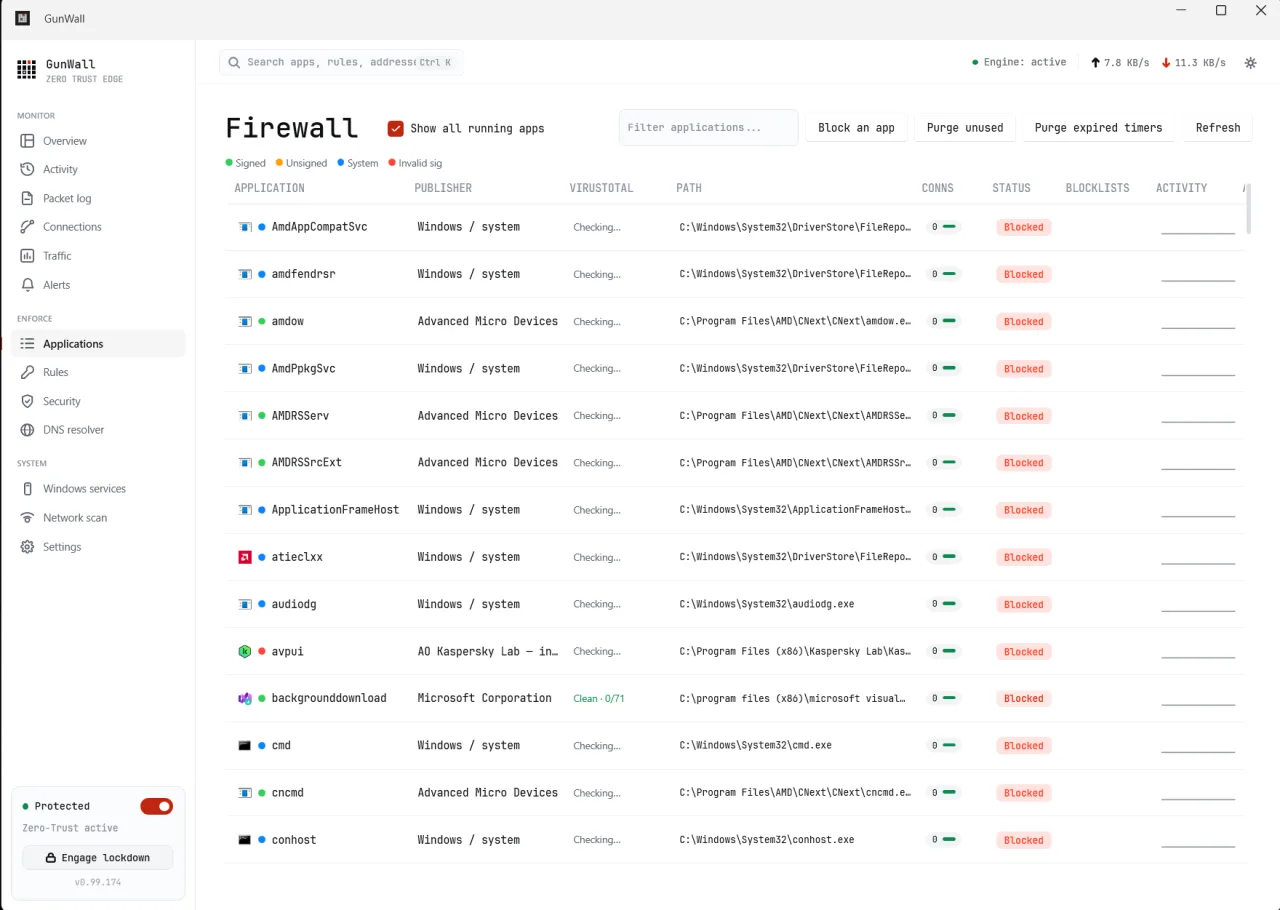
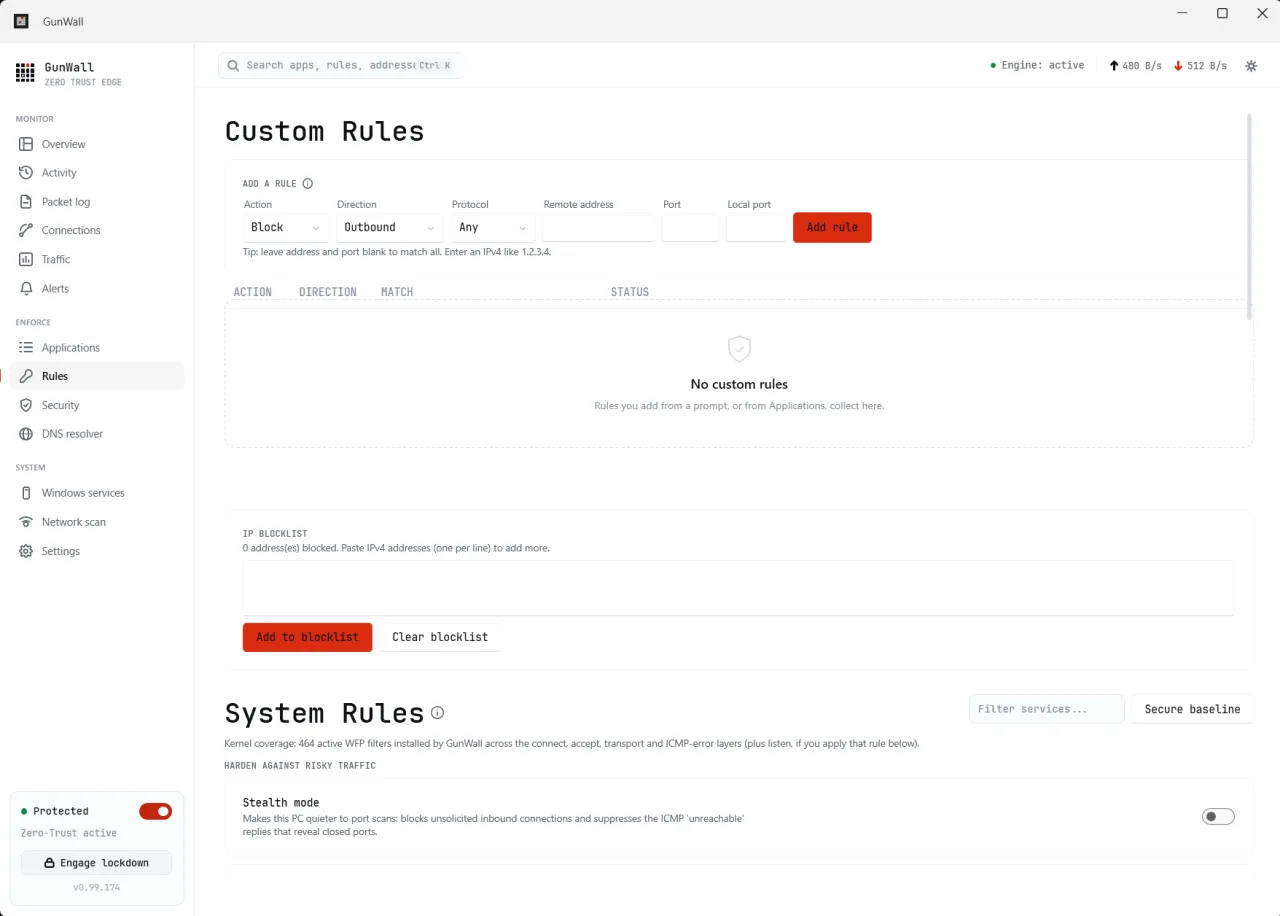
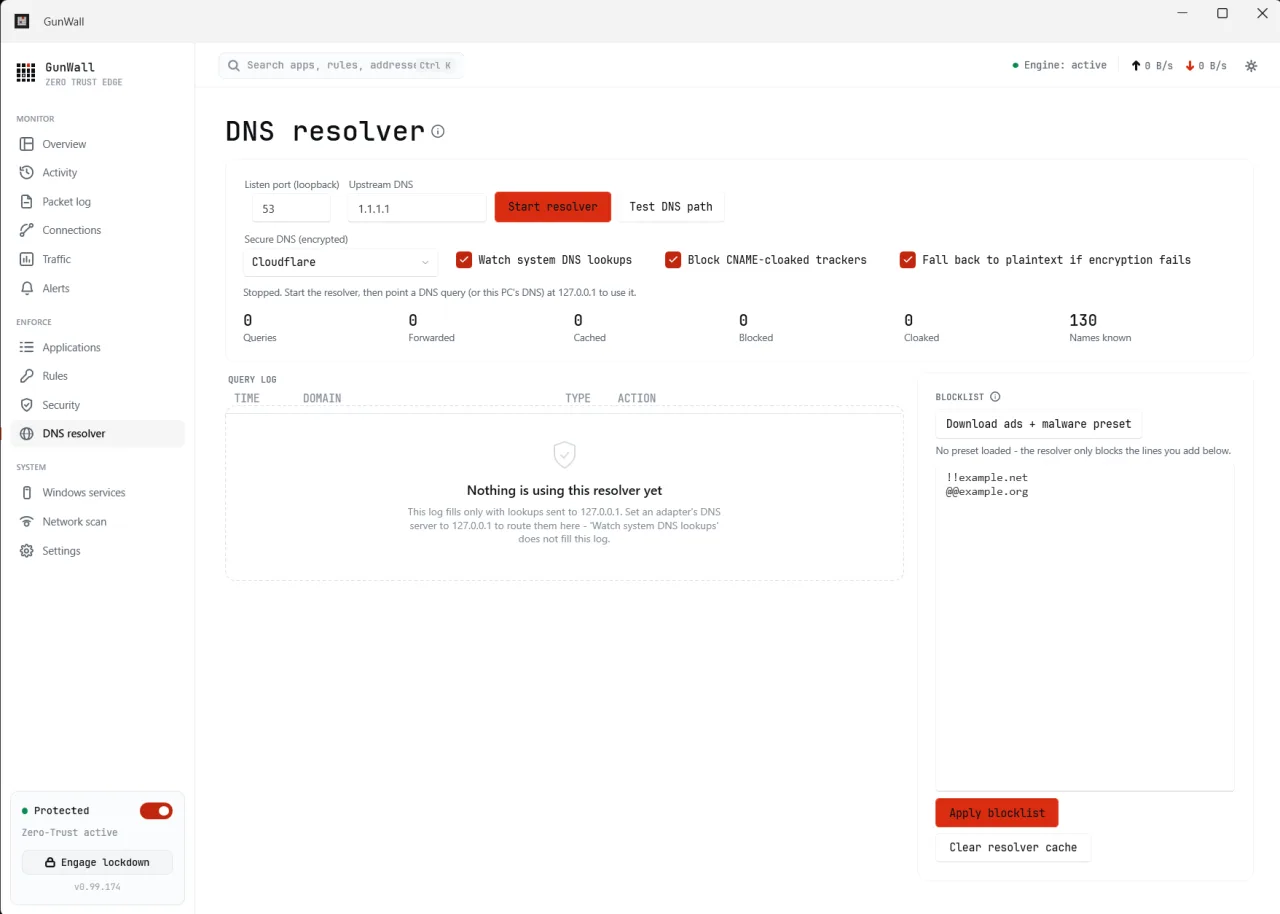
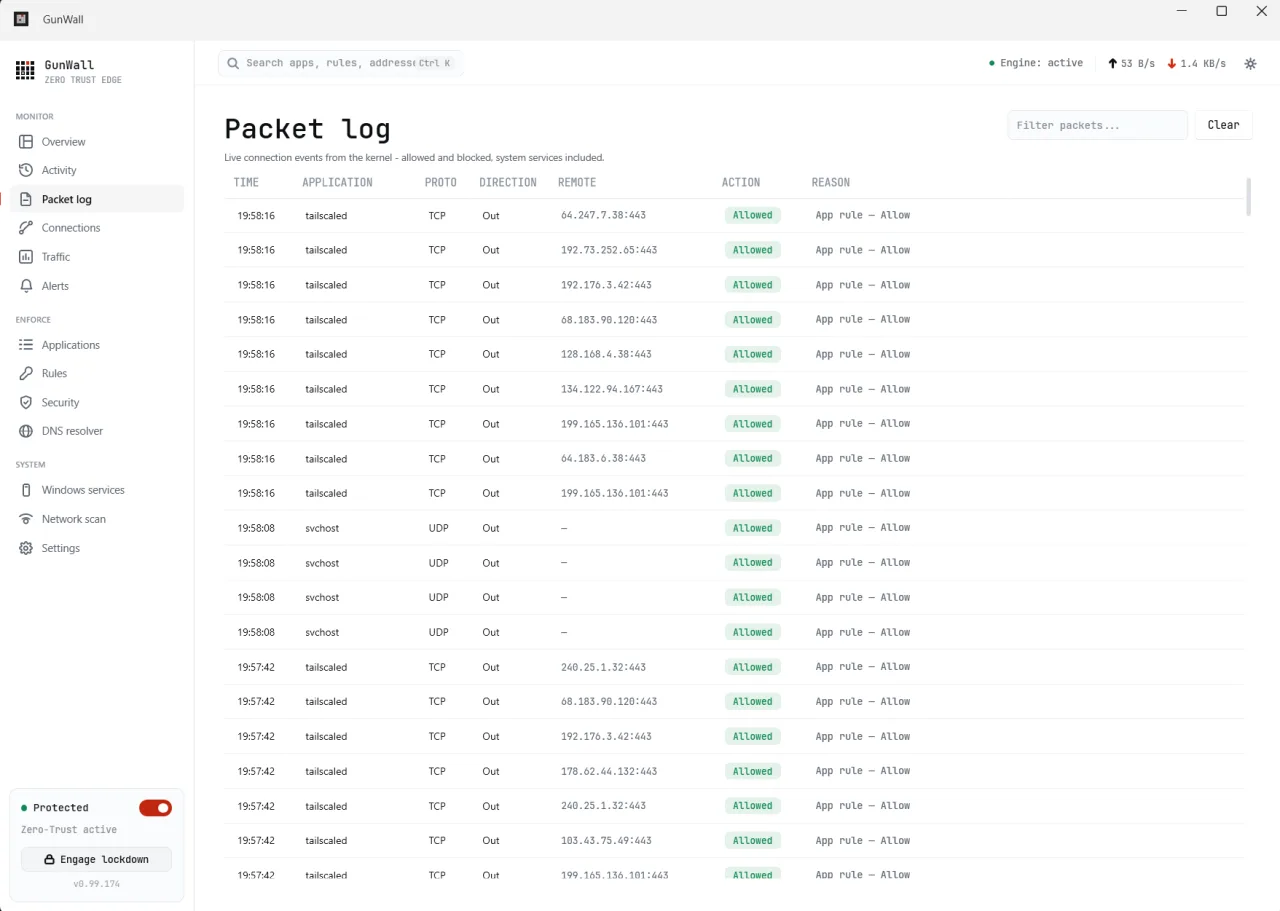
Screenshots from the official GunWall project. Click an image to enlarge it.
All files come directly from the official GunWall project on github.com. Codehimblog does not host or change them. Most PCs need the 64-bit installer.
| File | Size |
|---|---|
| InstallerGunWall-0.99.234.2-setup.exe | 52.6 MB |
| Portable version (no install needed)GunWall-0.99.234.2-portable.zip | 70.6 MB |
Only needed if the latest version does not work for you. Older versions may miss security fixes.
| Version | Released | Windows download |
|---|---|---|
| 0.99.234.1 | 17 October 2026 | Download (52.7 MB) |
| 0.99.234 | 16 October 2026 | Download (52.6 MB) |
| 0.99.162 | 5 October 2026 | Download (52.2 MB) |
| 0.99.146 | 21 September 2026 | Download (53.1 MB) |
| 0.99.129 | 6 September 2026 | Download (53.0 MB) |
| 0.99.116.0 | 21 August 2026 | Download (53.0 MB) |
| 0.99.113 | 16 August 2026 | Download (53.0 MB) |
| Windows | Status |
|---|---|
| Windows 11 | Supported |
| Windows 10 | Supported |
 Windows 8.1 | Not supported |
 Windows 8 | Not supported |
 Windows 7 | Not supported |
Yes, it is free and open‑source.
It runs as a Windows service and works alongside the built‑in Windows Firewall without modifying its rules.
Download the latest installer from the official release page and run it; it will replace the existing version.
Use the standard Windows "Add or remove programs" feature to uninstall.
It works offline, but features like DNS‑over‑HTTPS and online blocklists require internet access.
Free and open source (MIT). You can use it for free at home and at work.
More Security & Privacy software and similar free programs for Windows.
Security & Privacy · v3.7.3
A hybrid Windows endpoint security program that combines machine‑learning scanning, YARA rules, cloud analysis and a kernel‑level driver to protect against malware and unwanted behavior.

Security & Privacy
An open‑source antivirus and endpoint detection and response tool that combines ClamAV, YARA, machine‑learning analysis and other security components for Windows.

Security & Privacy · v0.5.0
Proximity auto‑lock and hands‑free unlock for Windows using an Apple Watch via Bluetooth Low Energy.

Security & Privacy
ClamAV is an open‑source antivirus engine that scans for viruses, trojans, malware and other malicious threats.

Security & Privacy · v2.8.0
A free, open-source password manager that keeps your passwords in an encrypted database file you control.

Networking Tools · v0.3.5
An unofficial client for Cloudflare WARP services that provides system VPN, SOCKS5 and HTTP proxy with advanced routing, chain proxy, and profile management.