
PhotoCraft
Graphics & Image Editing · v0.23.1
PhotoCraft is an open‑source photo editor written in Rust that aims to provide Photoshop‑like features such as layers, masks, adjustment layers and full PSD support.
Open sourceWin 11Win 10

An open‑source image editor that aims for Photoshop‑compatible PSD handling and familiar Photoshop‑style workflows.
 Win 11
 Win 10
Version 1.39 · Installer · official file from github.com
Patchy Image Editor lets Windows users open, edit, and save layered Photoshop files without losing text, vectors, masks, layer styles, or Smart Objects. It is designed for artists who work with pixel art, game art, or any graphics that need precise layer control.
Patchy focuses on accurate PSD compatibility, keeping editable elements such as text layers, vector shapes, masks, layer styles, and Smart Objects intact when you open a Photoshop document. Its interface and keyboard shortcuts resemble Adobe Photoshop, so users familiar with Photoshop will feel at home. The editor supports importing artwork from Affinity, Krita, GIMP, OpenRaster, Paint.NET, and PDF files. You can work with limited colour palettes without flattening layers, and extend functionality with classic plug‑ins and JavaScript scripts. Patchy runs on Windows as an installer or a portable ZIP, and the program is free and open source under the MIT license.
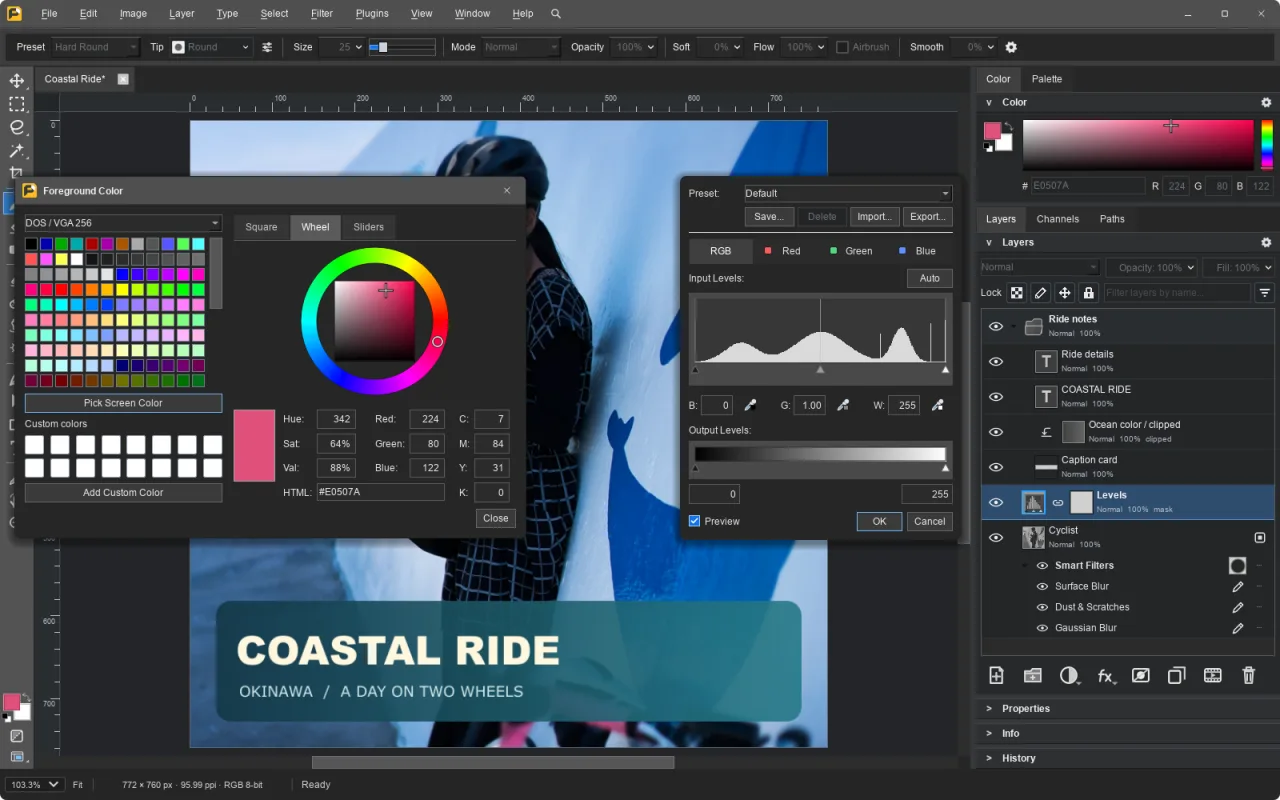
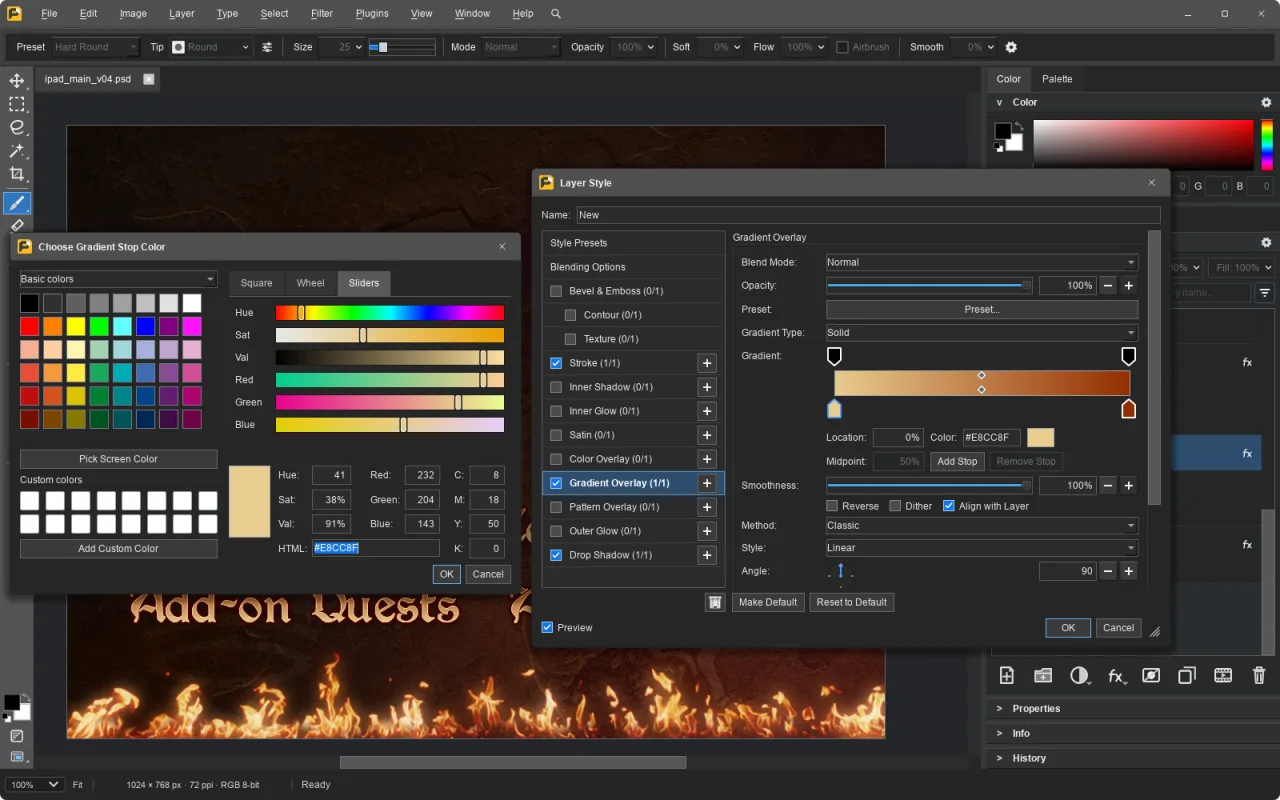
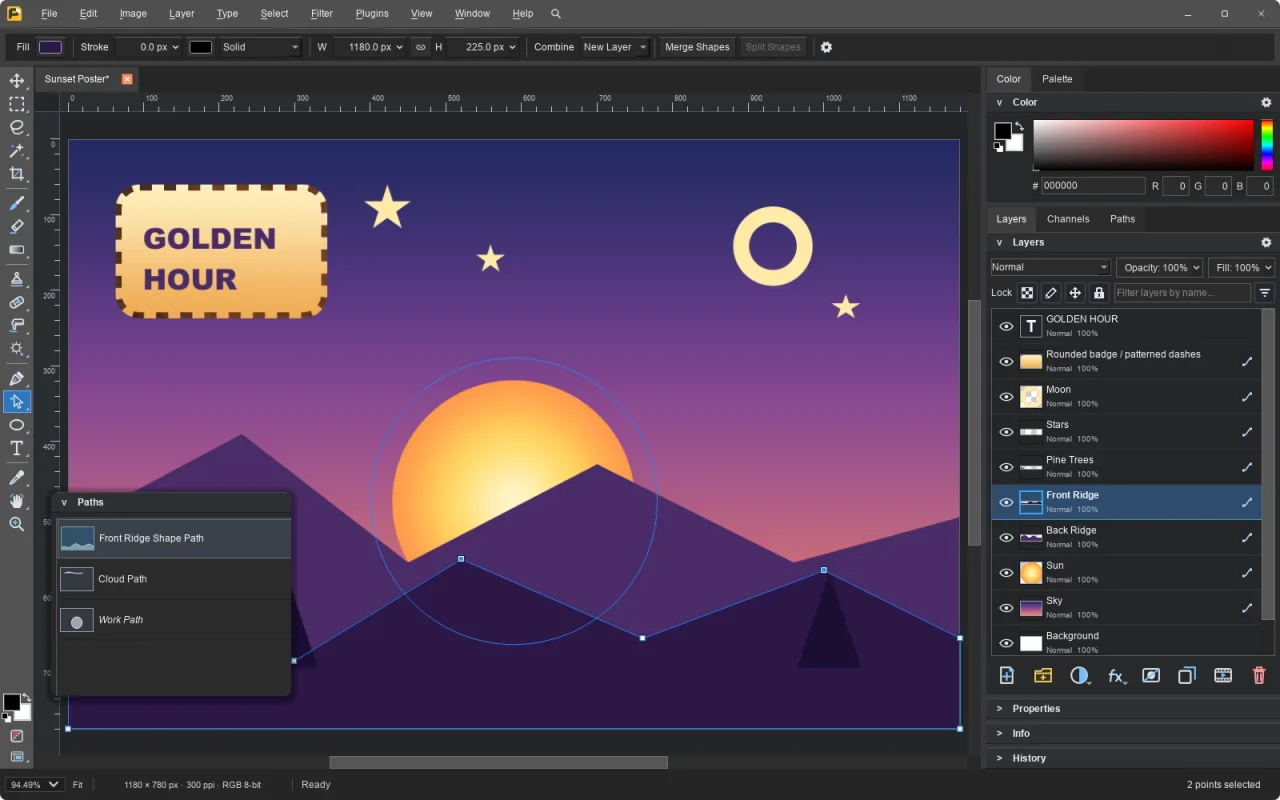
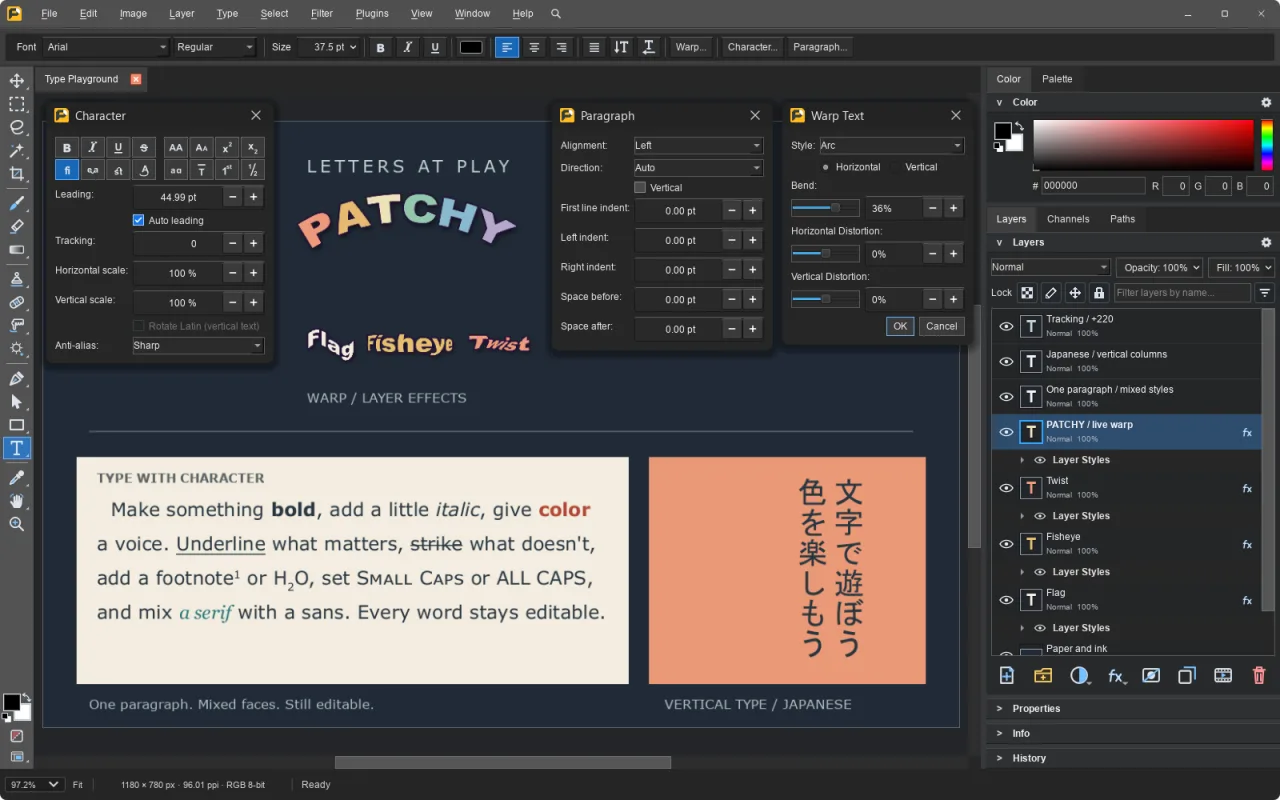
Screenshots from the official Patchy Image Editor project. Click an image to enlarge it.
All files come directly from the official Patchy Image Editor project on github.com. Codehimblog does not host or change them. Most PCs need the 64-bit installer.
| File | Size |
|---|---|
| InstallerPatchyWindowsInstaller.exe | 129.0 MB |
| Installer · ARMPatchyWindowsArm64Installer.exe | 119.3 MB |
| Portable version (no install needed)PatchyWindowsNoInstaller.zip | 129.6 MB |
| Portable version (no install needed) · ARMPatchyWindowsArm64NoInstaller.zip | 119.6 MB |
Only needed if the latest version does not work for you. Older versions may miss security fixes.
| Version | Released | Windows download |
|---|---|---|
| 1.38 | 17 November 2026 | Download (128.9 MB) |
| 1.37 | 15 November 2026 | Download (127.7 MB) |
| 1.36 | 14 November 2026 | Download (127.4 MB) |
| 1.35 | 13 November 2026 | Download (127.4 MB) |
| 1.34 | 12 November 2026 | Download (127.0 MB) |
| 1.33 | 11 November 2026 | Download (126.9 MB) |
| 1.32 | 11 November 2026 | Download (126.6 MB) |
| 1.31 | 10 November 2026 | Download (126.1 MB) |
| Windows | Status |
|---|---|
| Windows 11 | Supported |
| Windows 10 | Supported |
 Windows 8.1 | Not supported |
 Windows 8 | Not supported |
 Windows 7 | Not supported |
Yes, it is completely free and open source.
The Windows builds are code‑signed by the author, and the software contains no hidden components.
New versions are released on the project's download page; simply download and install the latest installer or replace the portable files.
If you used the installer, run the standard Windows Add/Remove Programs entry. For the portable ZIP, just delete the folder.
No, it works fully offline after installation.
Free and open source (MIT). You can use it for free at home and at work.
More Graphics & Image Editing software and similar free programs for Windows.
Graphics & Image Editing · v0.23.1
PhotoCraft is an open‑source photo editor written in Rust that aims to provide Photoshop‑like features such as layers, masks, adjustment layers and full PSD support.

Graphics & Image Editing · v0.9.28
A desktop image editor that replicates classic Adobe Photoshop with full PSD/PSB compatibility.

Graphics & Image Editing · v1.0.0
A free, open‑source browser‑based raster and vector image editor that works like Photoshop, with layers, masks, filters and adjustments, all running locally on your computer.

Graphics & Image Editing · v0.0.7-beta
ProCraft is an open‑source painting program for Windows that offers pressure‑sensitive brushes, layers, adjustments, animation and 3D painting using its own Rust engine and GPU renderer.
Graphics & Image Editing · v0.3.0
A Windows port of the open‑source Compositor image editor, offering layer‑based painting and basic photo‑editing tools in a single‑file project format.

Graphics & Image Editing
FerrumPix is a desktop photo manager and image editor that lets you organize, view, and edit photos on your computer.

Graphics & Image Editing · v0.46.0
Immage is a raw photo editor that provides familiar panels, sliders and shortcuts for editing photos, built on darktable.

Graphics & Image Editing · v0.4.0
Kooka Pictura is a layered photo editor that can open and save Photoshop PSD/PSB files and supports many common image formats.

Graphics & Image Editing · v2.2.3
PhotoSlide is a simple photo management and editing program with a modern JavaFX interface, aimed at users who need basic organization and light editing without a subscription model.

Graphics & Image Editing · v1.2.11
Chromasmith is a free offline photo editor that offers film‑style looks, grain, halation, RAW development and basic retouching tools.

Graphics & Image Editing · v0.1.26
WooHaa3 is a canvas‑style multimedia creation workspace that lets you combine text, images, audio, video and 3D assets in a single workspace and use AI to generate and edit content.
Graphics & Image Editing · v0.7.0
A fast, non‑destructive RAW photo editor with Lightroom‑style controls for Windows.